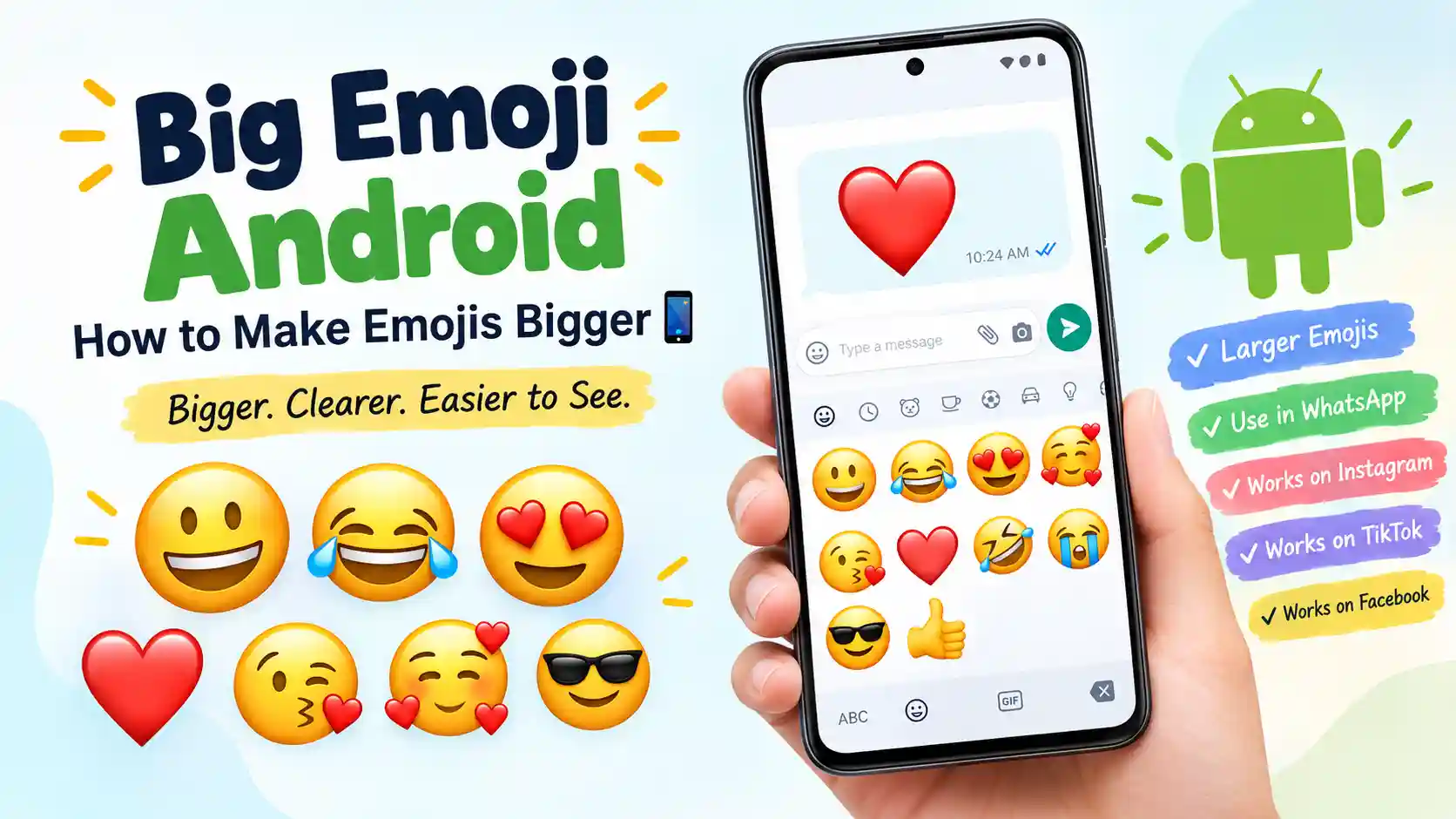
You tap the emoji button, choose a smiley, and suddenly wonder why it looks tiny in one app but much larger in another. If you have searched for big emoji Android, you are probably trying to make emojis easier to see, send larger-looking emojis, or understand why their appearance changes across your phone.
The important thing to know is that there is not one special “big emoji” character for Android. Emoji size can depend on the app, keyboard, text formatting, screen settings, and how the receiving service displays the character. Android users can enter emojis through keyboards such as Gboard, while Android accessibility and display controls can make content easier to see.
That means a big emoji in WhatsApp may not look exactly the same in Instagram, TikTok, Facebook, or a normal text message. Context matters too. A large ❤️ can feel affectionate, while a huge 😂 may make a funny reaction feel much more dramatic.
What Does Big Emoji Android Mean?
When people search for big emoji Android, they generally mean one of three things: making emojis easier to see on an Android screen, sending emojis that appear larger in a particular app, or finding copy-paste emojis that visually stand out. Unlike a normal emoji name such as 😀 or ❤️, “big emoji Android” is not the official name of a single Unicode emoji.
The first possibility is device visibility. Android provides display and accessibility controls that can enlarge content on the screen. On supported Android versions, users can adjust display size and use magnification, including a keyboard magnification option on Android 16 and newer devices.
The second possibility is messaging behavior. Some apps may display a standalone emoji differently from an emoji placed beside ordinary text. A single ❤️ can therefore appear much more noticeable than the same character inside a sentence.
The third possibility is simply visual emphasis. Users often call large-looking emojis “big emojis” because they want a reaction to feel stronger. 😀 can feel cheerful, 😂 can make laughter obvious, and 😍 can add excitement to a message. These are still standard emoji characters, not special Android-only versions.
Context also matters. A big 😂 between close friends can be playful, while the same oversized reaction in a serious conversation may feel dismissive. Likewise, ❤️ may express love, appreciation, friendship, or support depending on the relationship.
So, the practical meaning of big emoji Android is usually about emoji visibility, presentation, and emphasis, rather than a particular emoji symbol. If your goal is simply to make everything on your Android screen larger, display-size or magnification settings may help. If your goal is to send larger emojis, the exact result depends more on the app receiving the message.
Meaning Table:
| Emoji | Core meaning | Possible misread | Best used when |
|---|---|---|---|
| 😀 | Happiness, friendliness | Forced cheerfulness | Casual positive messages |
| 😂 | Strong laughter | Mocking someone | Funny conversations |
| 😍 | Admiration, excitement | Romantic interest | Compliments and excitement |
| 🥰 | Affection, warmth | Overly intimate | Sweet personal messages |
| 😘 | Affection, playful kiss | Romantic flirting | Close relationships |
| ❤️ | Love, care, support | Romantic intent | Emotional or supportive messages |
| 🤣 | Very strong laughter | Excessive reaction | Extremely funny moments |
| 😭 | Crying or overwhelming emotion | Actual distress | Emotional or humorous reactions |
| 😎 | Confidence, coolness | Arrogance | Playful confidence |
| 👍 | Approval, agreement | Dismissiveness | Quick confirmation |
Emoji Cards:
😀 Grinning Face:
Meaning: Happiness, friendliness, and an openly positive reaction.
Example 1: That sounds great 😀
Example 2: Finally finished my work 😀
😂 Face with Tears of Joy:
Meaning: Strong laughter at something genuinely funny.
Example 1: You actually said that 😂
Example 2: That video was hilarious 😂
😍 Smiling Face with Heart-Eyes:
Meaning: Strong admiration, excitement, or affection.
Example 1: This view is beautiful 😍
Example 2: You look amazing 😍
🥰 Smiling Face with Hearts:
Meaning: Warm affection, appreciation, or tenderness.
Example 1: That was so sweet 🥰
Example 2: Thank you for remembering 🥰
😘 Face Blowing a Kiss:
Meaning: Affection, warmth, or playful closeness.
Example 1: Good night 😘
Example 2: See you tomorrow 😘
❤️ Red Heart:
Meaning: Love, care, support, or emotional connection.
Example 1: Thanks for being there ❤️
Example 2: Love this so much ❤️
🤣 Rolling on the Floor Laughing:
Meaning: Very strong laughter or an extremely funny reaction.
Example 1: I cannot stop laughing 🤣
Example 2: That ending got me 🤣
😭 Loudly Crying Face:
Meaning: Intense sadness, emotional overwhelm, or dramatic humor.
Example 1: I finally got the tickets 😭
Example 2: That ending destroyed me 😭
😎 Smiling Face with Sunglasses:
Meaning: Confidence, coolness, or playful self-assurance.
Example 1: Problem solved 😎
Example 2: Ready for the weekend 😎
👍 Thumbs Up:
Meaning: Agreement, approval, acknowledgment, or encouragement.
Example 1: Sounds good 👍
Example 2: See you at eight 👍
How to Use Big Emoji Android the Right Way?
The best way to use big-looking emojis depends on what you are trying to accomplish. If your goal is visibility, change the way your Android screen or keyboard is displayed. If your goal is visual emphasis, use a standalone emoji or a short emoji combination where the app supports a larger presentation.
WhatsApp 💬
WhatsApp is one of the places where emoji size can become noticeable. A standalone emoji can have a different visual impact from an emoji placed inside a longer sentence. For a simple reaction, sending ❤️ or 😂 by itself can make the symbol feel more prominent.
In personal chats, large-looking emojis work particularly well for quick emotional reactions. You might answer a funny message with 😂, show appreciation with ❤️, or respond to exciting news with 😍. Avoid assuming that a large emoji automatically changes its meaning. The surrounding conversation still matters.
If you are using Gboard, Google explains that you can open the emoji section while typing and insert one or more emojis directly into your message.
Instagram 📸
Instagram captions and comments often use emojis as visual punctuation. A standalone ❤️ can draw attention to an affectionate thought, while 😎 can give a casual caption a confident tone.
For posts, avoid filling every line with large emoji combinations. One or two well-placed symbols usually make the message easier to scan.
TikTok
TikTok comments often use 😂, 😭, 😍, and 🤣 to react quickly to videos. Here, exaggeration can be part of the fun. A dramatic emoji can communicate a stronger reaction without requiring a long comment.
On Facebook, emojis work naturally in posts, comments, and Messenger conversations. A larger-looking standalone reaction can be useful when you want your response to be brief but expressive.
The main rule across all platforms is simple: use emoji size for emphasis, not as a replacement for context.
Why Do Big Emoji Android Look Different on iPhone and Android?
If the same emoji appears different on Android and iPhone, that does not necessarily mean one device has the wrong emoji. Emoji characters are standardized, but the companies and platforms that display them can use different visual artwork.
Apple, Google, Samsung, Microsoft, and other technology companies can create their own emoji designs. That means the same underlying character can have a slightly different face, shape, color, expression, or overall style depending on the device and app.
For example, ❤️ remains a red heart character, but its exact visual design can vary between platforms. The difference may be subtle, yet it can change how large or expressive the emoji feels.
There is another important distinction between emoji size and display size. Increasing Android’s display size makes more of the interface larger. It does not create a new, special version of every Unicode emoji. Android’s accessibility documentation explains that users can adjust font and display size, while magnification can enlarge areas of the screen.
On Android 16 and newer, Google’s accessibility guidance also includes an option to magnify the keyboard, which can make emojis and letters easier to locate while typing.
Your keyboard can matter too. Gboard provides access to emojis directly from the keyboard, but the emoji’s final appearance is still influenced by the app where you use it.
So, if someone says an emoji looks “bigger” on Android, they may be referring to the keyboard, the phone’s display settings, the app’s message formatting, or the emoji artwork itself. These are separate things.
Best Big Emoji Android Combos: Copy & Paste:
Romantic ❤️
👉 ❤️😍 — Use this for an affectionate compliment.
👉 🥰❤️ — Use this for a warm message to someone close.
👉 😘❤️ — Use this for a playful romantic goodnight.
Cute 🥰
👉 🥰😍 — Use this when something feels especially sweet.
👉 ❤️🥰 — Use this for appreciation and affection.
👉 😍🥰 — Use this for an excited, adorable reaction.
Flirty 😉
👉 😍😘 — Use this for a playful compliment.
👉 😘🥰 — Use this for a warm, slightly flirty message.
👉 😎😍 — Use this for confident playful energy.
Missing Someone 💭
👉 ❤️😭 — Use this when you genuinely miss someone.
👉 🥰❤️ — Use this to express warm thoughts about someone.
👉 😘❤️ — Use this when saying you wish someone were nearby.
Good Night 🌙
👉 😘❤️ — Use this for a sweet goodnight message.
👉 🥰❤️ — Use this for a gentle goodnight to someone close.
👉 😍❤️ — Use this after a lovely conversation before bed.
Trending Big Emoji Android in 2026:
In 2026, emojis remain a practical part of casual digital communication because they let people add emotional tone without writing a long explanation. For big-looking emoji use, the most noticeable choices are often familiar symbols such as 😂, ❤️, 😍, and 😭.
These emojis are frequently seen in casual chats, comments, captions, reactions, and short-form social content. Their popularity does not mean they have one fixed interpretation. A creator might use 😭 humorously, while another person may use it to express genuine sadness.
| Emoji | Why trending | Who uses it | Platform |
|---|---|---|---|
| 😂 | Quick humorous reaction | Friends and creators | WhatsApp, TikTok |
| ❤️ | Simple emotional emphasis | General users | Instagram, Facebook |
| 😍 | Excitement and admiration | Friends and creators | Instagram, TikTok |
| 😭 | Dramatic or emotional reaction | Casual social users | TikTok, WhatsApp |
The important point is not to chase a supposed “number one” emoji. There is no need for invented rankings or statistics. Emoji habits change naturally as conversations, memes, communities, and platform styles change.
When users want an emoji to stand out, they often rely on familiar symbols rather than obscure characters. That makes emojis such as ❤️ and 😂 useful choices for messages where the emotional reaction needs to be immediately understandable.
Emoji usage continues to evolve because people keep adapting familiar symbols to new jokes, moods, conversations, and social contexts.
Big Emoji Android Meaning in Different Contexts:
The same emoji can communicate very different things depending on who sends it and why.
Romantic conversations: ❤️, 😘, 😍, and 🥰 can express affection, but none automatically proves romantic interest. The relationship and wording matter.
Friendship: 😂, 🤣, 😎, and 👍 can be natural ways to react to jokes, plans, or everyday updates. A larger-looking emoji may simply make the reaction more energetic.
Family: ❤️ and 👍 can communicate support, appreciation, or agreement without sounding overly formal. A playful 😂 may work well when everyone is sharing a joke.
Professional or casual communication: 👍 is often useful for quick acknowledgment. Other expressive emojis can work in informal teams, but the tone of the workplace should guide your choice.
Texting: Standalone emojis can make short replies feel warmer. For example, “Good job ❤️” feels different from simply saying “Good job.”
Social media comments: 😍, 😂, 😭, and ❤️ can act almost like visual reactions. They can be useful when a full sentence would feel unnecessary.
Captions: A carefully selected emoji can reinforce the mood of a photo or video. The best choice usually supports the caption instead of competing with it.
In other words, making an emoji bigger does not automatically create a new meaning. Size changes visual emphasis, while context usually determines interpretation.
How to Copy and Paste Big Emoji Android:
If you simply want a large-looking emoji to copy and paste, start with a standard Unicode character:
😀 😂 😍 🥰 😘 ❤️ 🤣 😭 😎 👍
Select the emoji you want, copy it, and paste it into WhatsApp, Instagram, TikTok, Facebook, a text message, or another compatible app.
On Android, Gboard lets you open the emoji section from the keyboard and tap the emoji you want to insert.
If the emoji looks small after pasting, that usually does not mean the character is wrong. The destination app controls how it is rendered. For better screen visibility, Android also provides display-size and magnification options.
FAQs:
1. What is the most popular big emoji Android?
There is no single official “big emoji Android.” People commonly mean familiar emojis such as 😂, ❤️, 😍, or 😭 when they want a strong visual reaction.
2. What does an emoji mean when someone sends it?
Its meaning depends on the message, relationship, conversation, and context. For example, ❤️ can show romantic affection, friendship, appreciation, or support. It should not automatically be interpreted according to gender or relationship stereotypes.
3. Why do emojis look different on iPhone vs Android?
Emoji characters are standardized, but Apple, Google, Samsung, Microsoft, and other platforms can use different artwork. The same character can therefore have a different visual style, shape, or apparent size.
4. Are big emojis used differently in other countries?
Emoji interpretation can vary between communities and cultures. People may develop different habits around familiar symbols, so context is more reliable than assuming that an emoji always means exactly the same thing everywhere.
Conclusion:
Big emoji Android usually refers to making emojis more visible or using them in a way that gives them stronger visual emphasis. 📱
Remember that the app, keyboard, display settings, and platform design can all affect how an emoji looks.
Choose emojis based on your message and relationship, then let the context do the rest. ❤️

Nasrullah — Emoji Strategist & Content Writer
Nasrullah is a passionate emoji enthusiast and content writer who loves exploring the meanings, uses, and cultural context behind emojis. He creates simple, helpful, and easy-to-understand guides that help readers choose the right emoji for WhatsApp, Instagram, Facebook, texting, and everyday conversations.
With a focus on emoji meanings, combinations, social media usage, and modern digital communication, Nasrullah aims to make every emoji easier to understand and use with confidence. His content combines practical examples with clear explanations so readers can quickly find the meaning and usage they are looking for.
When he’s not researching emojis, Nasrullah enjoys exploring digital trends, writing useful online content, and learning about how people communicate in the digital world. 😊